⌨
Koha-aware parameters
Insert familiar prompts such as <<Item type|itemtypes>> and request runtime values when running supported reports.
Meet Report Assistant – PDF Writer v1.24.1, a Koha Reports plugin bringing DAB Reports (Describe and Build), voice dictation, SQL validation, drag-and-drop visual design, and full-data exports into one workflow.
Developed by Lightwave Library · For libraries that want more from their data
What if generating a Koha report started with a conversation instead of a blank SQL editor? With DAB Reports, staff can describe the information they need and let an AI assistant propose the query.
Type your report description or tap the microphone to speak it aloud. Review and edit the transcription before generating SQL.
Your configured AI provider drafts MariaDB-compatible Koha SQL.
Inspect database feedback. Ask AI for a suggested fix without losing the original SQL.
Review and save the approved SQL as a Koha report for future use.
Designed to work with a configured OpenAI-compatible endpoint, including supported cloud providers and local Ollama setups. AI-generated queries require staff review; the assistant does not guarantee query correctness.
Move from questions to results, from raw data to printable layouts, without losing the familiar Koha Reports workflow.
Insert familiar prompts such as <<Item type|itemtypes>> and request runtime values when running supported reports.
Check query structure and database feedback before saving, with an optional AI-proposed correction.
Preview the first 200 rows, then export the full query results as CSV, HTML, Markdown, or print-ready browser PDF.
Click the microphone, describe the report naturally, then stop recording to turn your voice into editable text. Review the transcription and choose when to generate SQL. No typing required.
Keep report definitions in Koha and return to them through its reporting tools.
Export and restore supported report definitions and visual layouts as portable JSON backups.
A look at the Koha-integrated experience, plus an illustrative look at the newest Advanced Designer canvas features.
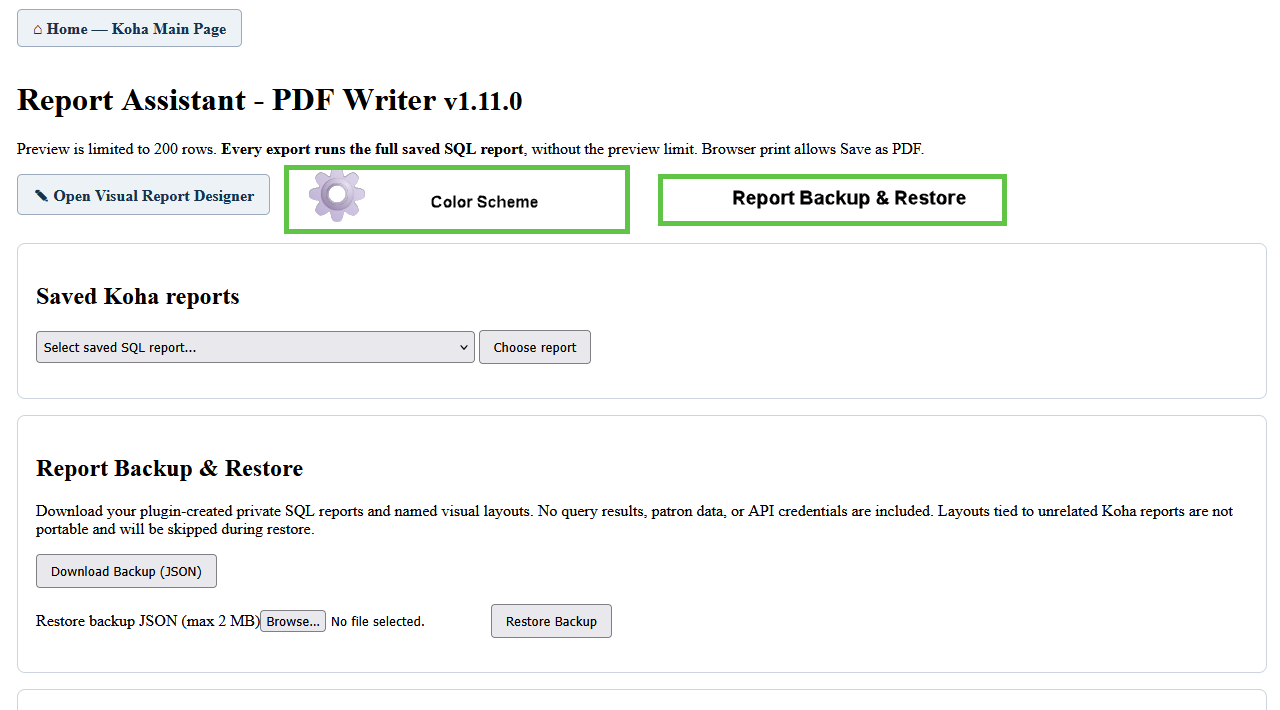
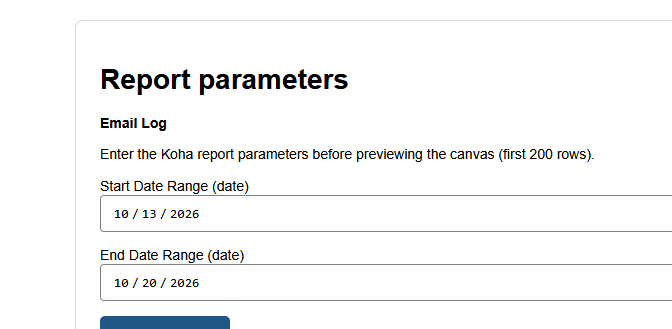
Maintenance release: Improved acceptance of AI-generated SELECT queries with ordinary comments and trailing semicolons, while retaining read-only SQL validation.
Keep the canvas neat with alignment guides, customize report decorations, and open your finished HTML or browser-based PDF without losing your design workspace.
This maintenance release improves handling of AI-generated SQL. Existing saved reports and designer layouts remain part of the plugin. Some advanced rendering features are still in beta.
Different reports need different kinds of design. Start with structured tables—or experiment with a more flexible, band-based layout.
Advanced Designer is beta. Subreports support saved layout placeholders and mappings, but executing child SQL reports is not yet supported. Page X of Y may vary by browser because PDF uses browser printing.
Built around Koha’s reporting workflow, with AI as an optional helper—not a replacement for librarians’ judgment. We're excited to share what we're building with the Koha community.
Feature overview for Report Assistant – PDF Writer v1.24.1. Advanced Designer capabilities remain beta and should be tested on nonproduction systems before wider rollout. Download the v1.24.1 Koha plugin above. Keep the KPZ file in the same folder as this HTML page when publishing.